
|
Graphics
|
Images
|
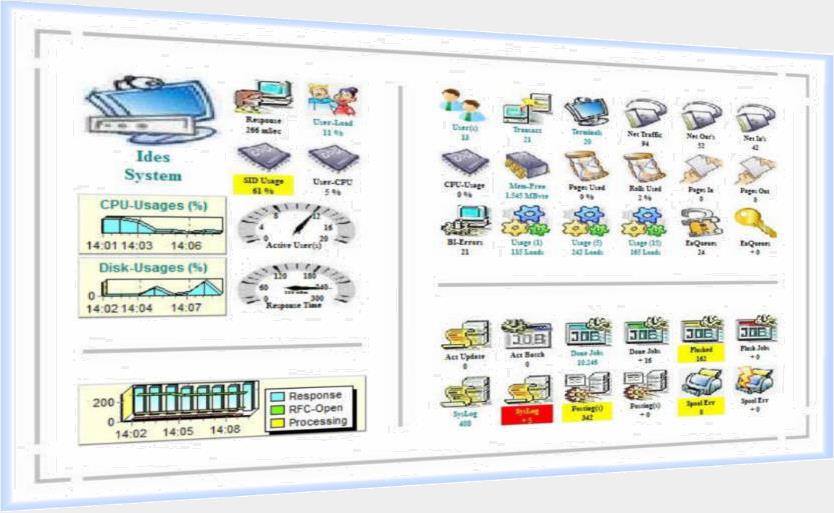

Within the range "Images" the objects are shown by an image. The image could be choosen free. You can place your own Image as a JPG-File.
During runtime the image is supplied with a colour. The actual value of the sensor will be shown too. By using the option "Keep" only the different value back to the previous check will be shown.
After you placed the object on the Dashboard it could be adapted and modified by size, colour and behaviour.
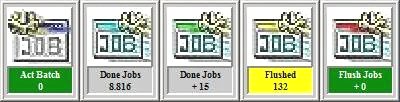
By pressing the right mouse button additional options are available. You will get a menu for further settings. By doubleclick on the object the object will be zoomed.
You are able to combine free the images with "Graphics" and "Gauges" as shown on the Dashboard.